
Available with any of the following tiers: Essential, Premium, and Hospitality Plus
Follow this guide to learn how set up your integration with Perfect Venue.
How it works: When a customer calls and asks for a private event, we’ll collect information from them: name, date, time, occasion, duration of event. Once the call ends, we’ll create a new event in Perfect Venue with “Created by Hostie” so you know it came from us! We’ll send you a text notification too!
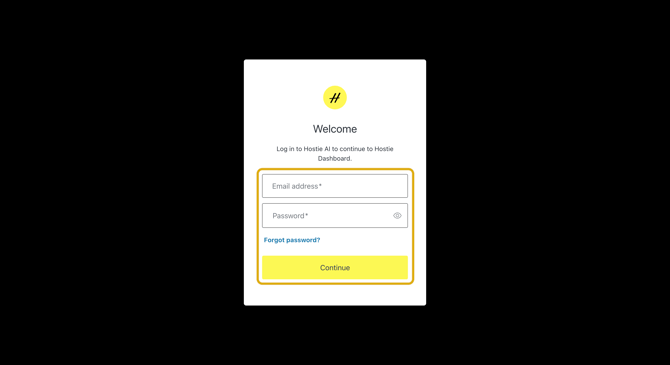
- Log in to your Hostie dashboard
- Select 'integrations' on the left-hand menu
- Select 'connect' within the desired integrations tile
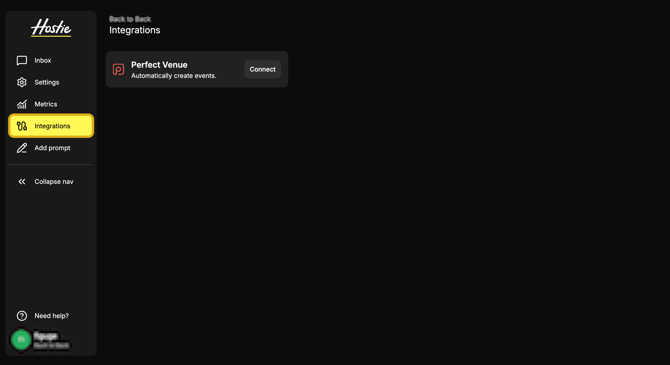
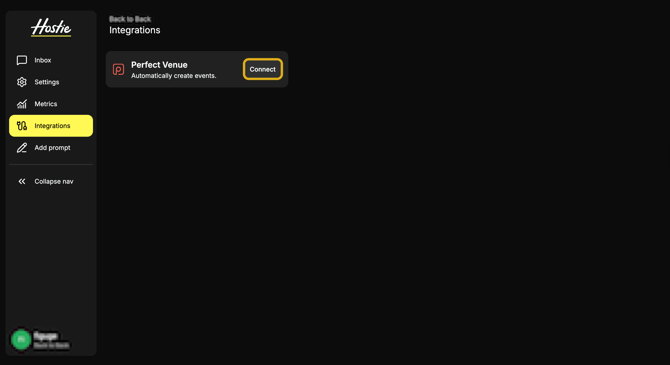
- On this page you’ll find our Perfect Venue Integration. If this is your first time, you should see a button that says Connect. Clicking on this button will open up a new web page for Perfect Venue Authorization Login.
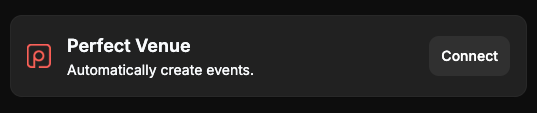
- Logging in to this Perfect Venue Integration will grant Hostie access to be able to post Event Leads to your Perfect Venue.
- Upon logging in, you will be redirected back to Hostie with a Success page! If this does not occur. Please contact the support team at integrations@hostie.ai.
- After this is done. The integration will kick in within the next 10 minutes. This is automatic and everything will happen under the scenes! Enjoy!